Guides
How to make a particular kind of video, and what to choose before you generate.
Each guide opens with a video made by the app itself — including the ones showing the real interface. Every one of them can also be done by asking Claude: the app connects as an MCP connector at https://automatedvideoapp.com/mcp, and from there a video is a sentence rather than a form. How that works →
Make a Hollywood-style movie with AI
Shot grammar, one grade, and the three things no tool can do yet.
Make an AI movie trailer from a script
Narrated, cinematic, 15–180 seconds. Free stock footage.
A bedtime story video for children
Storybook illustration, a warm narrator, a character that stays recognisable.
Go past three minutes with chapters
Write in chapters, render in segments, stitch them together for free.
Vertical video for TikTok, Reels and Shorts
Pick 9:16 before anything is generated, and every scene is framed for it — with captions lifted clear of the platform's own buttons.
Turn a script into a narrated video
Paste the words you want said. They are narrated verbatim, one scene per sentence, with captions timed to the voice.
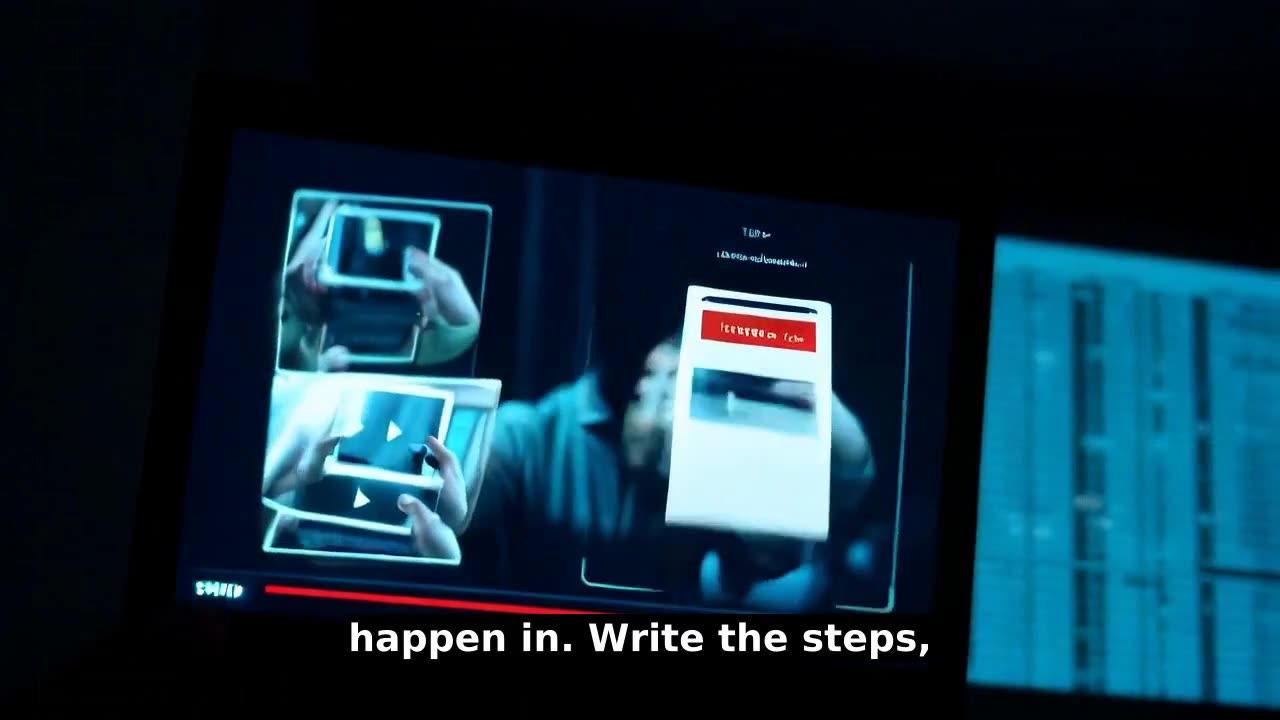
Make a product demo video
Write the steps, watch the cut, and drop any scene that drags — using your own screenshots, held still so the interface stays readable.
Run a video series on a schedule
One episode per run, each knowing it is part N of M, with the schedule stopping itself after the last part.
Make videos inside Claude
Connect the app once, then ask in chat. Claude can create a video, list its scenes, drop one and re-cut — without you opening an editor.